If you live on the internet, you've probably heard of Clawdbot in the past few weeks.
The project basically exploded overnight. People were buying Mac Minis just to run it. Tech Twitter was going crazy. And I couldn’t resist the urge to give it a spin.
Now… before I jump into something like this, I prefer to do a quick background check on everything related to the project. And below is what I found out. If you don’t like gossip, you can skip this next section :(
Note: This piece is about my experience, and I’m writing it as it comes to my head. It’s not a clawdbot tutorial, I believe you can find that everywhere on the internet.
What I Found Out
OpenClaw is, more or less, an AI personal assistant with access to nearly anything you give it. It doesn’t just chat with you but can control your browser, read your emails, manage your calendar, execute shell commands, and you interact with it through WhatsApp, Telegram, Discord, wherever you already chat.
It was built by Peter Steinberger, a technical degen who makes shipping feel like drinking wine. Going through his profile, I can say he’s “that guy”. What really caught my attention was how much of a CLI and terminal lover he is. Everything he touches has this command-line vibe to it.
Anyway, late last year, he dropped the open-source project called “Clawdbot”.
The name “Clawdbot” came from that little claw monster you see when Claude Code is loading.
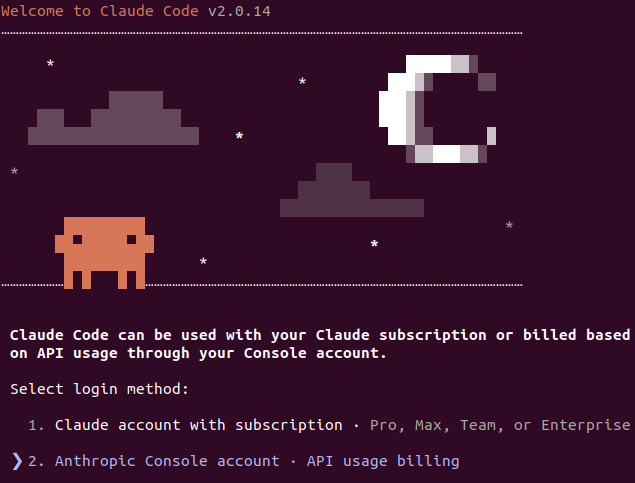
The project went viral. 60,000+ GitHub stars in like three months. You’d think it’s free marketing for Anthropic because everyone wanted to use Claude as the underlying model.
But Anthropic’s lawyers didn’t think so. So they sent a polite email: “Hey, your name is too similar to Claude. Trademark stuff. Please change it.”
Now, Steinberger thought he’d checked this. In a podcast three days before the rename, he said, “I looked it up, there’s no trademark for this”. But apparently “Clawd” sounded too close to “Claude,” and trademark law is trademark law.
So the man had to rebrand everything.
Clawdbot became “Moltbot” (because lobsters molt when they grow - honestly, pretty clever). The mascot “Clawd” became “Molty.” New website, new GitHub repos, new everything.
And of course, because this is the internet, during the renaming and account migration, some scammer managed to take over or squat related GitHub and X (Twitter) accounts tied to the project and started pushing fake “Clawd” meme coins. It was chaos for about 72 hours.
Eventually, after more drama, the project landed on “OpenClaw” - which is actually a much better name in my opinion.

My Experience With It
I always set out time around ungodly hours to play with new stuff like this.
At first, I wanted to install it locally on my computer, but then I thought... running an open-source AI bot on my computer is a bad idea. In fact, running it on any computer with actual data is a bad idea.
So I decided to spin up something isolated.
I fired up Render because Render is just too easy for these kinds of experiments. But I encountered a weird deployment error that seemed simple, but I was too lazy to look into it.
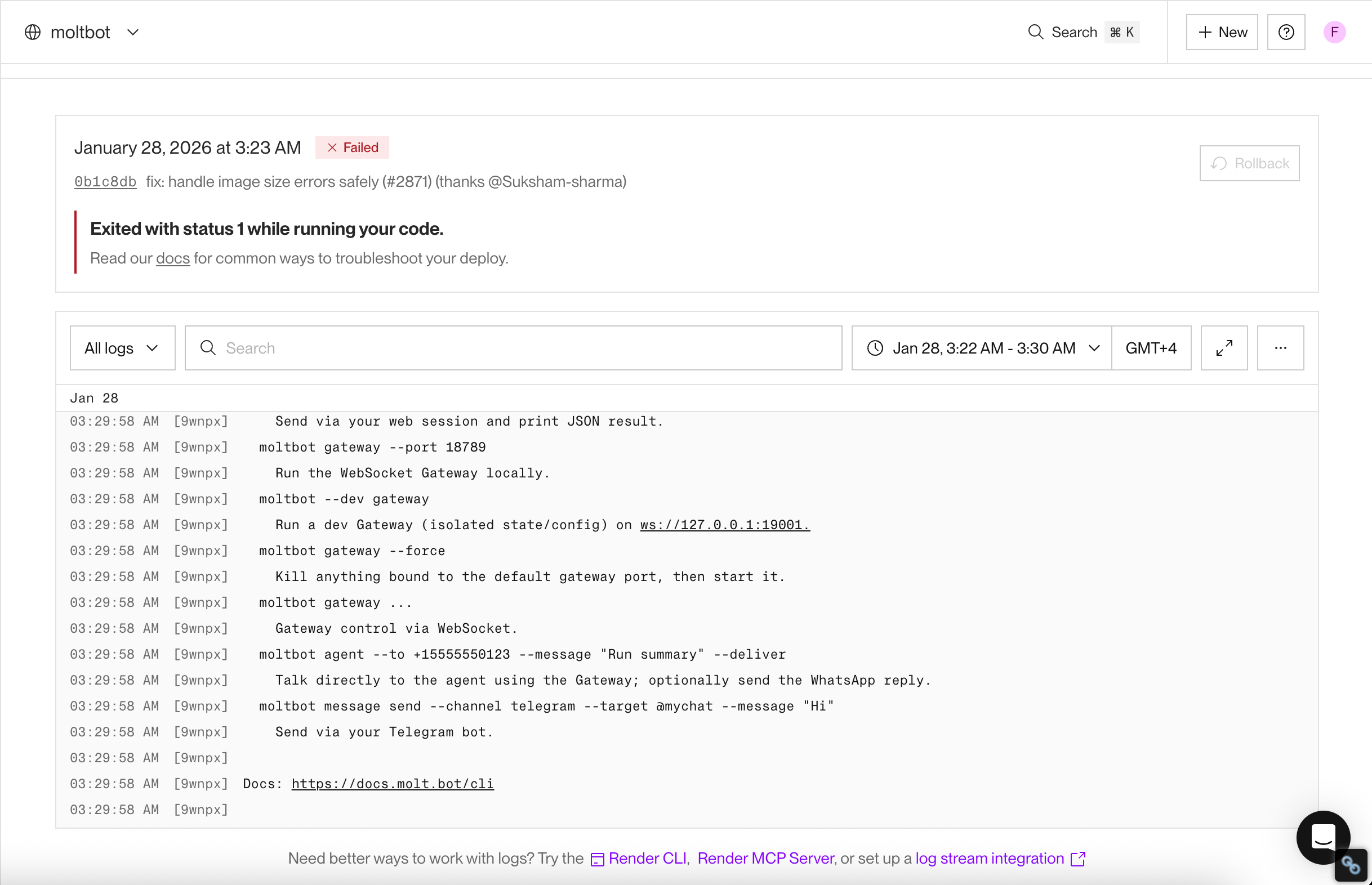
I gave up on the first day and moved it down my to-do list, setting the due date to February 7. We live to fight another day.
Two days later, I got an email from DigitalOcean saying it’s now available in their marketplace as a one-click install.
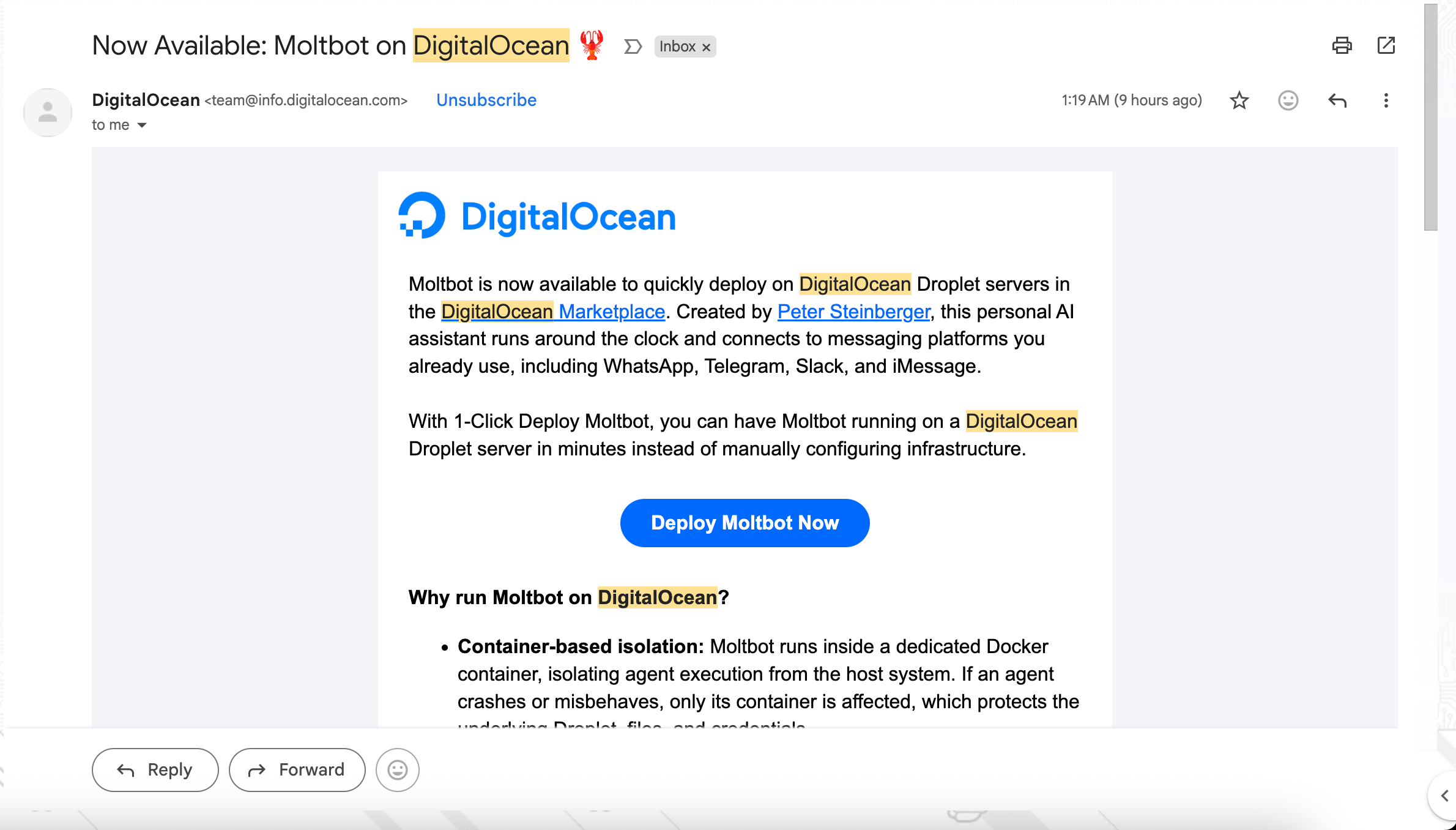
I thought: “This is interesting.”
So I opened my DigitalOcean account and followed this guide.
I don’t know if it’s because I’m an idiot, but it took me almost 3 hours to get this thing to work properly.

What OpenClaw Does
Someone called it “AI with actual hands”, so I think I’d just leave it at that.
It runs on a machine. It runs on your machine - Mac, Windows, Linux, doesn't matter. Or throw it on a VPS if you want it running 24/7 in the cloud. You can use Claude, GPT, Gemini, or even local models.
You talk to it through your normal chat apps. WhatsApp, Telegram, Discord, Slack, Signal, iMessage - pick your poison.
It has persistent memory. It builds a profile of you over time in markdown files that live in your workspace. So it remembers everything. Although I’m not quite sure how this will scale over a long period of time.
Extended system access. It can browse the web, fill out forms, scrape data, read and write files, run shell commands, and execute scripts.
Skills and plugins. The community has built 50+ integrations. Weather, GitHub, Notion, Slack, Google Calendar, Spotify, even controlling Philips Hue lights. You can install more from ClawHub, or build your own. The AI can even write its own skills.
Proactive notifications. It doesn’t just wait for you to ask questions. It can send you reminders, check in on you, run cron jobs, and handle background tasks.
The architecture is actually pretty clever. You’ve got the OpenClaw Gateway running 24/7, handling all the routing between your chat apps and the AI model. Everything goes through there.

Here’s What I Think
After spending time with this (I must confess, not a ton of time to be writing an opinion piece). Regardless, here are my unsolicited thoughts:
It’s technical. Only really adoptable by averagely technical people. Too many dependencies, too much setup, not plug-and-play at all. The DigitalOcean one-click install even required you to understand basic SSH and all this terminal drama. An average person will find this frustrating.
I don’t trust the security. And I say this as someone who was skeptical about connecting anything of value to it. If I have to set up a new email, a new WhatsApp, and a new everything just to use this safely… then we’re not quite there yet.
It can be very useful for certain people. If you’re a developer or someone technical who wants a truly personal AI assistant that you control completely, this is probably the closest thing to that vision right now. The WhatsApp integration alone is pretty magical when it works.
It offers a glimpse of what the future holds. Even if OpenClaw itself doesn’t become mainstream, it’s showing what’s possible. This is the “GitHub moment” for personal AI assistants - the open-source proof of concept that proves the category exists.
It chews API credits faster than anything. This is a real cost consideration. Because it’s always on and processes a lot with AI. So this kinda watered down my excitement, but it’s an AI assistant, it’s expected.
My Personal Conclusion
I think OpenClaw is ahead of its time, but it’s already paved the way for similar technology.
We can give it about 12 months. Either we’ll see more polished alternatives pop up (probably already happening), or one of the big AI companies - OpenAI, Anthropic, Google - will release something similar that people will naturally trust more and that will actually be usable for everyday people.
For now, if you’re technical and you love tinkering with this stuff, OpenClaw might be worth playing with. It’s genuinely impressive what one person built and what the community has added to it.
But for my day-to-day productivity? I’ll just stick to my simple dashboard.
P.S. - If you do try OpenClaw, run it on a completely isolated machine or VPS. Don’t be that person who gives an AI access to your main computer and then acts surprised when your crypto wallet is emptied :)